Table of Contents
Not every home has a spare room, but almost every home has an underused corner: the end of a bedroom, a wide landing, the space beside a wardrobe. A well-planned home office desk setup corner turns that patch of floor into a place where real work gets done — calls taken without embarrassment, a laptop that stays set up, and a chair that does not wreck your back by Friday. This guide covers choosing the corner, sizing the desk, light and ergonomics, cable and storage control, and how to make the corner look like part of the room rather than an apology.
The goal is a workspace that opens in the morning and disappears in the evening, even though nothing physically moves. A good home office desk setup corner does exactly that.
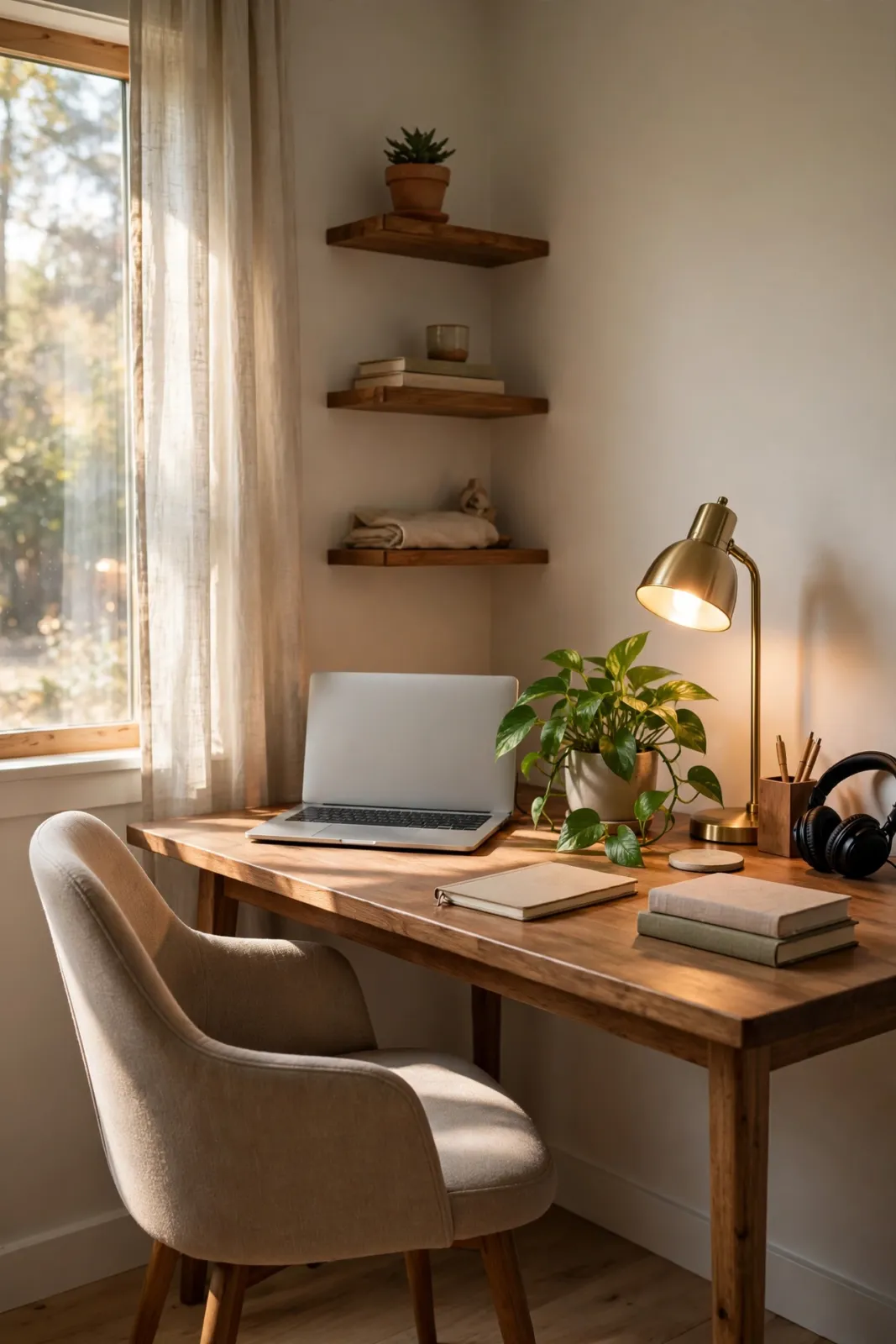
Choosing the Right Corner for a Home Office Desk Setup Corner
Start with light and noise. A corner near a window gives daylight for your face on calls and keeps the screen out of direct glare if the window is to your side rather than behind you. Avoid corners facing a television or the main walkway of the home — every passer-by becomes a distraction and a background guest on your calls.
Check the practicalities: a power socket within reach (or a safe route for an extension lead that nobody trips on), Wi-Fi strength tested with a video call, and enough depth for a chair to push back — about a metre from desk edge to the wall or furniture behind you. The traditional home office was a whole room, but the corner version succeeds by borrowing the room’s light and air while claiming only its quietest square metres.
Bedroom corners work if you can screen the desk from the bed — seeing work from your pillow is its own kind of tiredness. Living room corners work if household rhythms respect them. The landing or hallway alcove, often ignored, can be the best of all: neutral territory, near nobody’s leisure. In every case, a home office desk setup corner works best when it is planned rather than improvised.
Desk Size, Chair and the Ergonomics That Matter
A corner desk does not need to be an L-shaped unit. A straight desk 100 to 120 centimetres wide and 55 to 60 deep holds a laptop, a notebook and a lamp comfortably; add a monitor arm and the same desk feels a size larger because the screen floats and the surface clears. Wall-mounted drop-leaf desks suit the tightest corners and fold away entirely, at the cost of a permanent setup. Measure first: a home office desk setup corner only works when the desk fits the wall without squeezing the chair.
For any home office desk setup corner, the chair matters more than the desk. You need height adjustment so your feet rest flat, a back that supports the lower spine, and a seat depth that lets you sit back without the edge pressing your knees. Ergonomics basics are simple to apply: screen top at or just below eye level (a stack of books under a laptop plus a separate keyboard achieves this cheaply), elbows at roughly ninety degrees, and the screen an arm’s length away. A laptop stand and an external keyboard are the two purchases that transform a corner from makeshift to sustainable.

Light, Background and Looking Right on Calls
Daylight from the side is ideal; a small desk lamp with a warm bulb covers evenings and grey days. Avoid a bare bulb behind you — the camera exposes for it and your face goes dark. If your corner backs onto a busy room, a bookshelf, a curtain on a tension rod, or a folding screen behind your chair gives calls a calm, deliberate background and gives you privacy in both directions. Good light makes a home office desk setup corner feel calm and professional. Good light is what makes a home office desk setup corner feel calm and deliberate rather than improvised.
A plant and one framed print in the camera’s frame do more for how professional the corner feels than any gadget. Keep the background shallow and tidy: the camera sees a rectangle roughly a metre wide behind you, so style that metre and let the rest be.
Cables, Storage and Keeping the Corner Tidy
One power strip, mounted under the desk or in a cable box on the floor, feeds everything; chargers live there permanently so the daily setup is opening a laptop, nothing more. Cable clips along the desk’s back edge keep leads from sliding to the floor. A single drawer unit or a set of wall shelves holds notebooks, headphones and paperwork — vertical storage keeps the desk surface itself clear, which is the whole point of a corner setup. Keeping a home office desk setup corner tidy starts with this one hub.
Give work a shutdown ritual: laptop closed, notebook in the drawer, chair tucked. In a corner office the ritual is the door closing. A small tray for keys-to-the-day — pen, notebook, phone — keeps the surface from slowly becoming a shelf for the whole house. Ten tidy minutes in the evening keep a home office desk setup corner ready for the next morning.
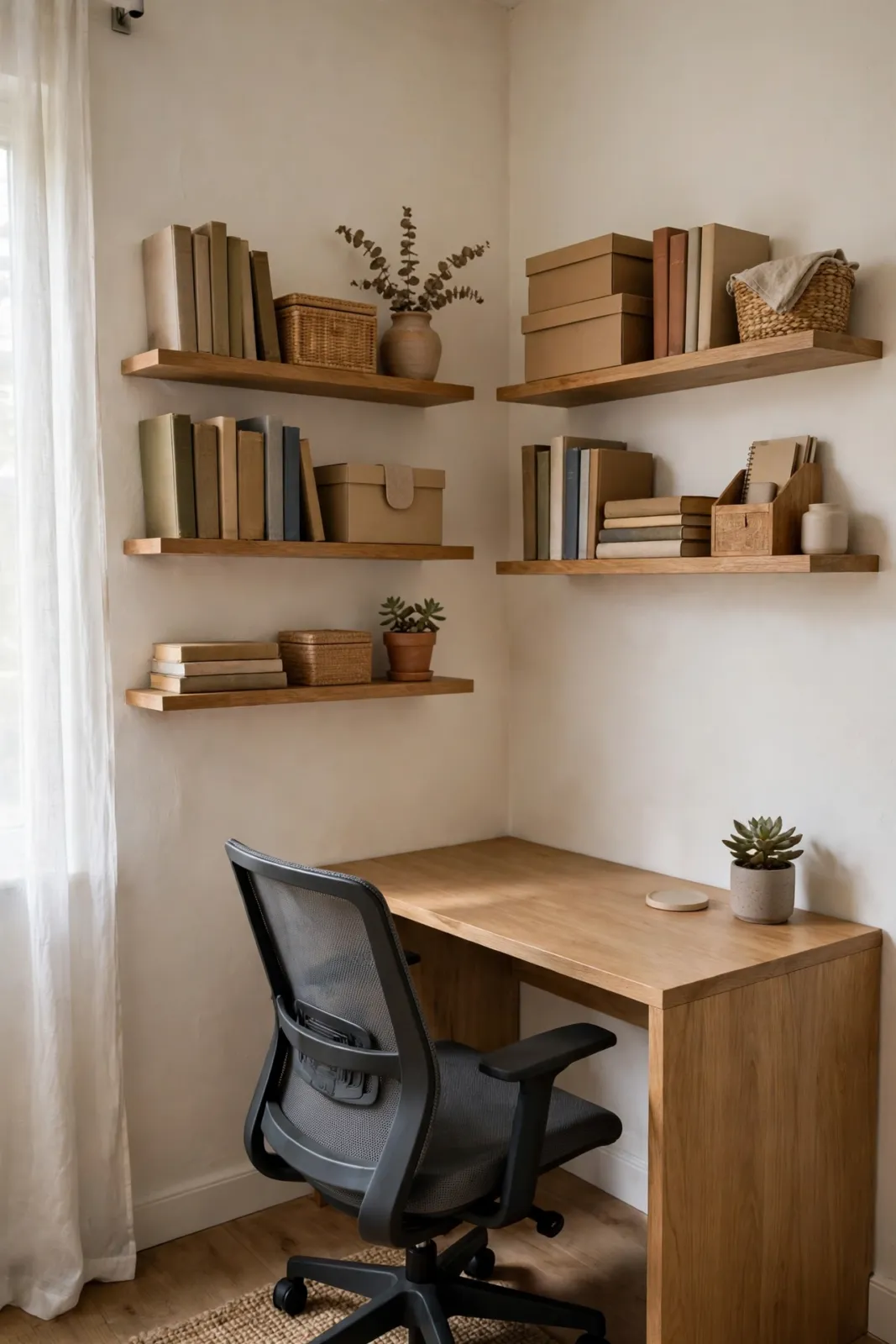
Step by Step: Building Your Home Office Desk Setup Corner in One Afternoon
Measure the corner and mark the desk footprint on the floor with tape; sit in the chair inside the tape and check the push-back space and the light at the time you usually work. Order or place the desk to suit the tape, not the other way round. Set the screen height and chair height before anything else, then route cables to the single power strip, then add shelves at a height you can reach seated.
Style last: lamp, plant, one or two personal objects, and the call background. Work in the corner for a full day before buying anything extra — the corner will tell you what it actually lacks, which is usually a footrest or a second hook, not the accessories the internet suggests. By the end of the afternoon, the home office desk setup corner should look finished, not abandoned halfway.
Budget Priorities and Where to Save
Spend first on the chair and the laptop stand plus keyboard; save on the desk itself, where a plain tabletop on two drawer units or sturdy legs performs exactly like expensive desks. Second-hand office chairs from liquidated offices are the great bargain of home working — commercial chairs outlast home-market ones by years. Shelves and a cable box cost little. A monitor is a genuine upgrade if your work is spreadsheet- or design-heavy, and a monitor arm can come later; neither is required to start. That order keeps a home office desk setup corner comfortable without overspending. Spend where it matters most, and a home office desk setup corner can stay inexpensive without feeling cheap.
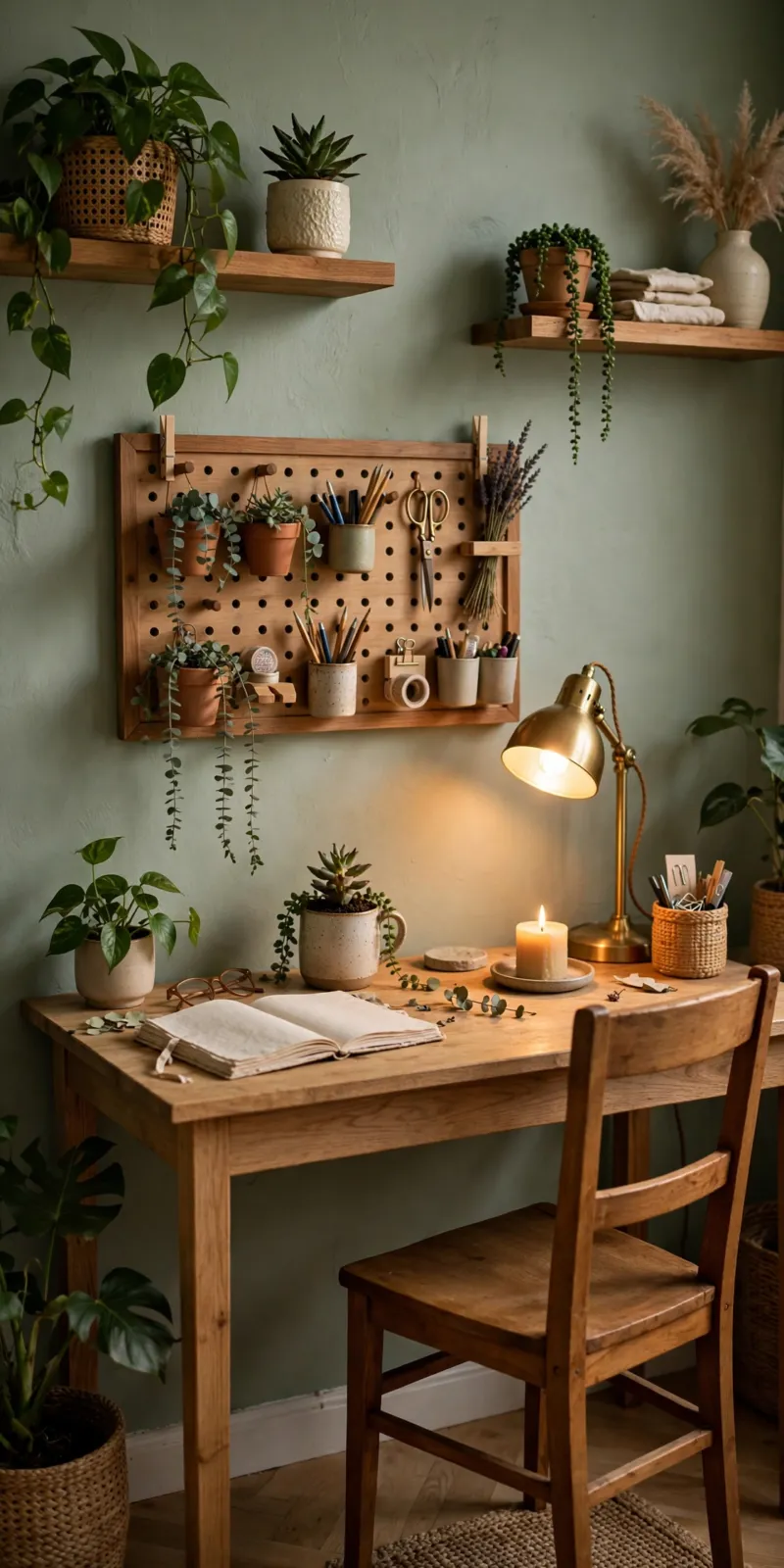
Mistakes That Make a Corner Office Fail
The classic mistake is facing the desk flat into the corner like a punishment — you stare at two walls while the room happens behind you. Angle the desk along one wall instead, with your back partly to the room and a screen or shelf as your backdrop. Second: a dining chair. It is fine for a week and miserable for a month. Third: letting the desk become household storage; once mail and laundry land on it, work feels impossible before it starts.
Fourth, ignoring sound: a rug under the chair and soft furnishings nearby noticeably calm echo on calls. Fifth, no boundary: housemates and family treat a corner as available space unless the shutdown ritual and a simple rule — chair tucked means office closed, occupied chair means do not interrupt — are agreed out loud.
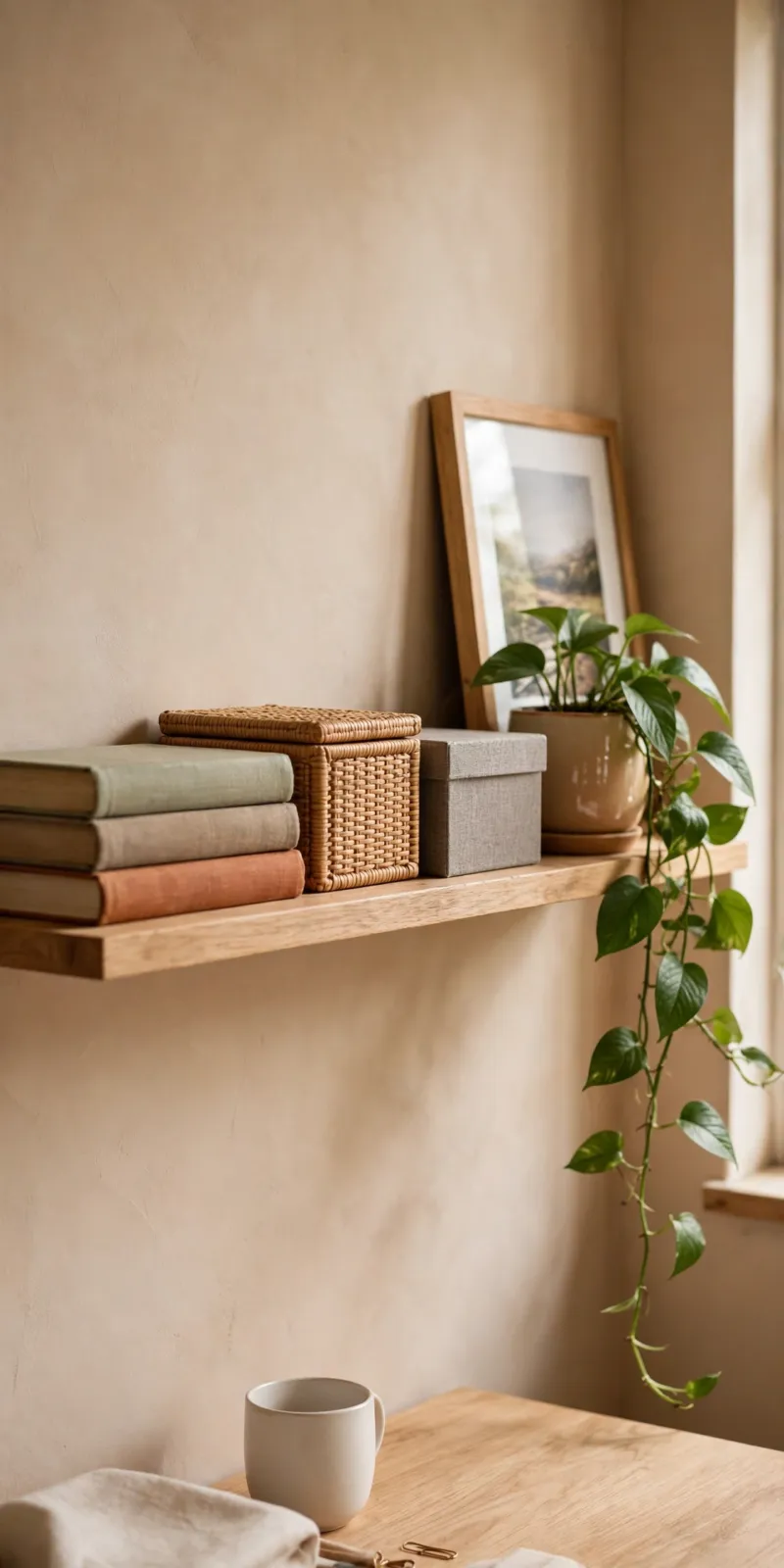
If your desk corner sits in the living room, the furniture placement in our small living room layout ideas guide helps the workspace blend in instead of taking over.
Frequently Asked Questions
How small can a home office corner be?
For a home office desk setup corner, a footprint of about 120 by 120 centimetres works: desk along one side, chair space behind. Drop-leaf desks and wall shelves let even a 100-centimetre-wide alcove function for laptop work.
Bedroom or living room — which corner is better?
Whichever is quieter during your working hours and farther from the television. Bedrooms suit early risers and call-heavy jobs; living rooms suit households where the bedroom must stay a rest-only space.
Do I need a second monitor in a corner setup?
Only if your work constantly compares documents or uses wide timelines. A laptop on a stand at eye level plus a tidy desk satisfies most jobs; add the monitor later if the need proves real.
How do I separate work and rest in the same room?
Use the shutdown ritual — close, store, tuck the chair — plus a visual cue like turning off the desk lamp. A screen or curtain between desk and bed strengthens the boundary cheaply.
What is the best lighting for video calls in a corner?
Soft light in front of your face: a window to the side or a warm lamp slightly above eye level, angled down. Never a bright window or bulb directly behind you.
A home office desk setup corner succeeds when it respects both the work and the room it borrows. Set the ergonomics first, keep the surface clear, and close it down each evening — the smallest office in the house can still feel like a proper place to work.